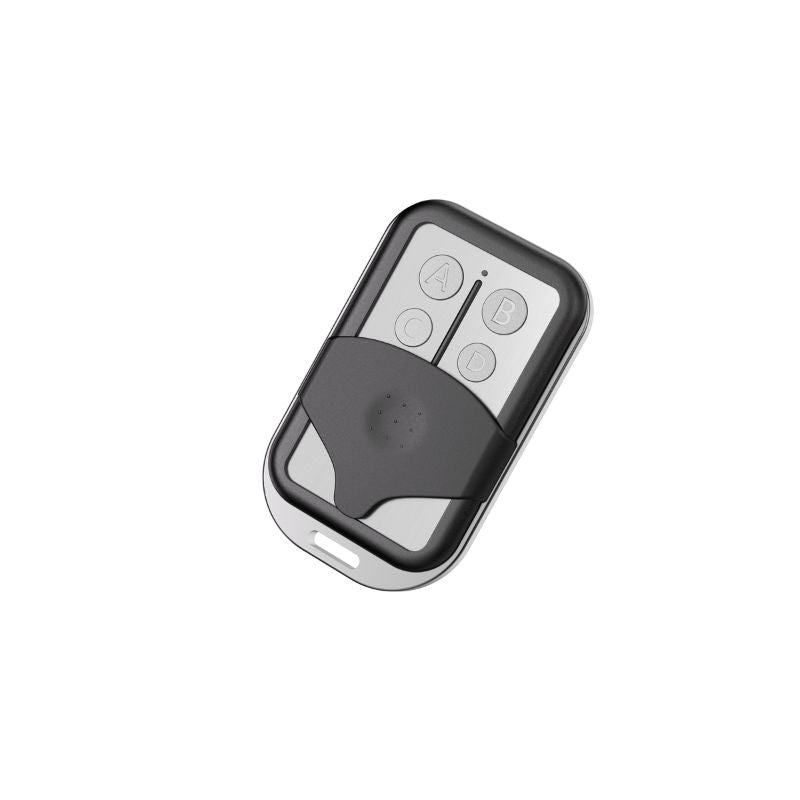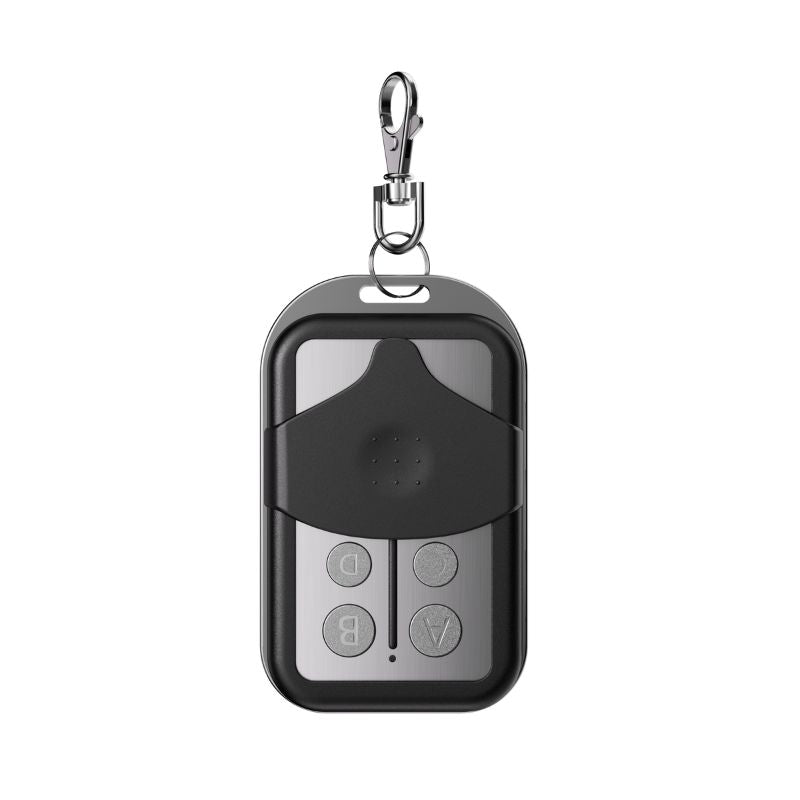

If you own a Zumi automatic gate opener, or you’re planning to buy one, it is important to understand that the hardware alone is only half the experience.
When it comes to accessibility and ease of use, the real heartbeat of a Zumi gate opener lies in its mobile app. With the app, you can transform your gate from a simple motorized system into a smart, customizable access solution.
Below, we’ll break down exactly what the Zumi gate opener app does, its key features, how it compares to using a gate without the app, and how to get set up.

What is An Automatic Gate Opener App?
Let's start with gate openers in general. A gate opener app is a mobile application that connects your gate opener to your smartphone via the internet. So, instead of relying solely on remotes, keypads, or physical access devices, you have an app that gives you direct digital control over your gate: anytime, anywhere.
A gate opener app isn’t just a convenience feature. It’s what allows you to fully control, monitor, and expand how your gate works in everyday life. Without it, you’re leaving functionality on the table.
Benefits of a Gate Opener App
1. You Can Operate the Gate Directly From Your Phone
The app allows you to open and close your gate using your smartphone. Your phone becomes your primary gate controller, which is especially useful when you’re inside the house, away from home, or managing access remotely.
This means no more scrambling for remotes or worrying about lost transmitters. As long as you have your phone, you have access.
2. It Allows You to Increase the Number of People Who Can Operate the Gate.
Instead of buying and programming extra remotes, the app lets you add multiple users to your gate opener system.
This is ideal for families, shared properties, employees, delivery access, or service providers. You control who gets access, and you can remove it just as easily with the app.
3. Access Cameras for Vehicle and License Plate Recognition
When paired with compatible cameras, the app allows access to vehicle recognition, license plate recognition, and monitoring features directly from your phone.
Having camera access via the app adds an extra layer of convenience and security. You can see who is approaching your gate and make informed decisions before granting access.
4. Use Advanced Smart Features Like Intelligent Scene
Most updates and recent technological features are only possible via the app. It unlocks smart automation features that simply aren’t possible with basic gate controls.
Instead of manually opening and closing the gate every time, for example, your gate can start working on a schedule that fits your daily routine.

Key Features of the Zumi Gate Opener App
Here’s a closer look at the Zumi gate opener app’s core features, how they work, and the real-world benefits they provide.
1. Complete Phone Connection and Access
This feature connects your Zumi gate opener to the app so it can be controlled from your phone.
Once added, your phone communicates with the gate opener through the app, allowing you to send open and close commands digitally.
This is the basic feature of a gate opener app, and it allows you to gain full control without relying on physical remotes.

2. Add Multiple Users to Your Gate Opener
This is yet another basic feature of every gate opener. The Zumi app has a user management feature that allows you to invite others to control the gate via Bluetooth.
You assign access permissions to other users through the app, giving them the ability to operate the gate from their own devices.
This feature is perfect for a household, business, or even a rental property where multiple people may need access to the gate.
3. Set Up Intelligent Scene (Scheduled Automation)
Via the Zumi gate opener app, you can create schedules, defining exactly when the gate should open or close.
This is known as “intelligent scene”, and it is a customizable automation setting that automatically opens or closes your gate at specific times. You can even set multiple Intelligent Scene instances for different days or times.
With an intelligent scene, you set up your gate to work automatically around your schedule. This is a very important feature if you have defined work hours, deliveries, or routine traffic, and you want ease without manual intervention.

4. View Gate Opening and Closing Records
Within the Zumi gate opener app, there is a log that records when the gate opens and closes. The app tracks gate activity and displays records so you can review usage history.
This gives you visibility into how and when your gate is being used, which is useful for security, accountability, and peace of mind.
5. Receive Notifications on Software Upgrades
With the app, you get automatic alerts when new software updates are available. The app notifies you of upgrades so your system stays current.
You benefit from improved performance, new features, and security enhancements without having to manually check for updates all the time.
Zumi Gate Opener: With App vs. Without App
| Feature | With the Zumi App | Without the Zumi App |
| Gate control | Open/close from anywhere using your phone | Limited to remotes or keypads |
| User access | Add or remove multiple users instantly | Requires physical remotes |
| Smart scheduling | Automated opening and closing with Intelligent Scene | Manual operation only |
| Activity records | View opening and closing history | No usage records |
| Camera integration | Access vehicle & license plate recognition | No visual monitoring |
| Software updates | Automatic notifications and updates | Manual or missed updates |
| Convenience | High – centralized digital control | Limited and hardware-dependent |
How to Get the Zumi Gate Opener App and Set It Up
Getting started with the Zumi gate opener app is straightforward. You have two ways to download the app:
- Download it directly from the Apple App Store or Google Play Store
- Scan the QR code provided in the product manual
Once installed, note that the app opens to the password login page by default. Before logging in, you’ll need to create an account. The app provides multiple login options once your account is set up.
For complete setup guidance, including device pairing and feature configuration, all necessary instructions can be found in the product manual and in-app prompts, making the process simple even for first-time users.

Final Words on the Zumi Gate Opener App
A Zumi gate opener works, but a Zumi gate opener with the app works smarter. The app unlocks automation, multi-user access, monitoring, and convenience that simply isn’t possible with hardware alone.
If you want to get the most out of your Zumi gate opener, installing and using the app isn’t optional; it’s essential.
For all relevant information on the Zumi App, as well as how to set it up, use it, and gain access to all the above features, refer to your gate opener installation manual.
Explore the top 5 gate opener accessories for a smooth Zumi Gate Opener Experience